
Preparing the game...


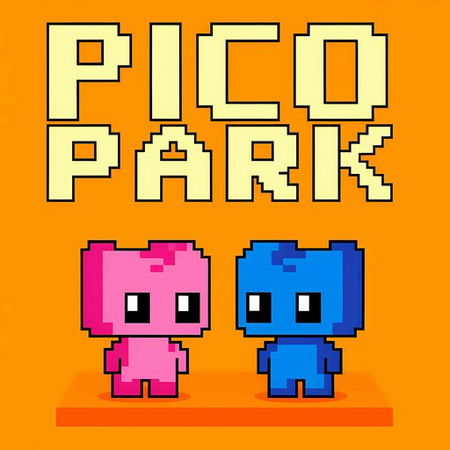
Pico Park
Pixel Path
Moto X3M

Geometry Vibes
Obby On a Bike
Geometry Dash Online

Karate Bros

Zombie Space Episode 2

Sprunki Retake
Overtide.io

Geometry Vibes 3D
CubeRealm.io

Dino Game

8 Ball Pool Billiards
4 Colors Multiplayer (Uno Online)
Sans Simulator 2 Player Edition REMIX
Face a friend with your heart

Geometry Vibes X Ball

Italian Brainrot Bike Rush

Smash Karts

Wrestle Bros

Bloxd.io

2-3-4 Player Games
Cryzen.io

Hazmob FPS
Ludo Classic
Squid Game: Mini-Games Online

Soccer Bros
12 MiniBattles

Mad GunS - Battle Royale

Kart Bros
Ludo King
Stickman battle 1-4 Players
Poxel.io
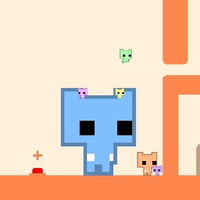
Step into the world of Pico Park and team up with your friends to beat each level. Choose how many players will join, then select the keys you'll use to move. Work together and help each other reach the finish line as a team!
How to Play
[Player 1]
WASD: move
[Player 2]
Arrow Keys: move
[Player 3]
IJKL: move
[Player 4]
TFGH: move
NOTE: For single-player mode, choose just one character. Then click NEXT to start the game. Control your character using WASD and use the mouse to move the other character.
DON’T FORGET: All characters need to be right up against the right side of the screen to move on!
WASD: move
[Player 2]
Arrow Keys: move
[Player 3]
IJKL: move
[Player 4]
TFGH: move
NOTE: For single-player mode, choose just one character. Then click NEXT to start the game. Control your character using WASD and use the mouse to move the other character.
DON’T FORGET: All characters need to be right up against the right side of the screen to move on!
Discover More Games