














Turnfight Play now
Turnfight
Preparing the game...
Instructions

[Mouse]
Move mouse: adjust view and aircraft orientation
Left click / Spacebar: fire primary weapons

[Keyboard]
W / S: pitch down / up
A / D: yaw left / right
Q / E: roll left / right
Tab / Shift: increase / decrease throttle
R: reload weapons
1 / 2 / 3: select available upgrades

Note: Holding the right mouse button or enabling keyboard-only controls disables mouse orientation.

Game Thumb

Turnfight

Warfare 1942
Warfare 1942
 Geometry Vibes
Geometry Vibes
Hole.io
Hole.io
Real Flight Simulator
Paper.io 2
Paper.io 2
War Brokers.io
War Brokers.io
Geometry Vibes 3D
Geometry Vibes 3D
Pixel Village Battle 3D .IO
CubeRealm.io
CubeRealm.io
Repuls.io
Repuls.io
Aquapark.io
Aquapark.io
X Trench Run
X Trench Run
ArmedForces.io
ArmedForces.io
4 Colors Multiplayer (Uno Online)
Rumble Rush
Rumble Rush
Shell Shockers
Shell Shockers
Kart Bros
Kart Bros
Poxel.io
Poxel.io
Winter Clash 3D
Winter Clash 3D
Xtreme Drift 2
Xtreme Drift 2
Snake.io
Snake.io
Bloxd.io
Bloxd.io
Fantasy Sniper
Fantasy Sniper
Aim and shoot at magical creatures
Sniper Strike
Sniper Strike
Stick War: Infinity Duel
Deadshot.io
Deadshot.io
Overtide.io
Overtide.io
Stumble Guys
Stumble Guys
Call to Action
Call to Action
Insane multiplayer team deathmatch
Cryzen.io
Cryzen.io
Subway Clash 3D
Subway Clash 3D
Apple Shooter
Apple Shooter

Shoot down enemy aircraft

About the Game

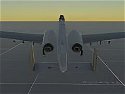
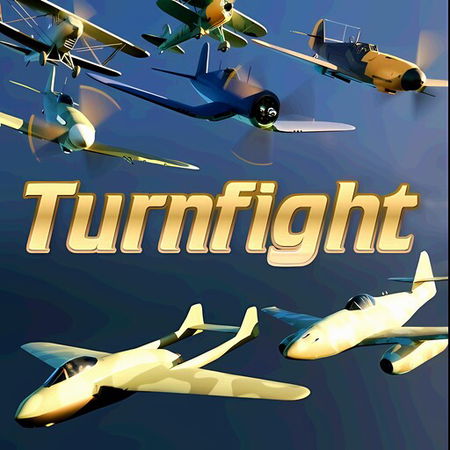
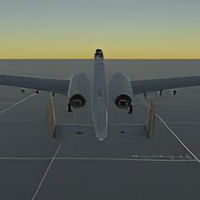
Show off your skills in this multiplayer dogfight featuring classic aircraft. Fly with realistic controls as you use heavy machine guns to take down enemy planes piloted by real players.

Pilot legendary aircraft like the Spitfire, Corsair, A10, BF 109, and many more you can unlock as you progress through the game.

Turnfight was created by Softbear.

Instructions

[Mouse]
Move mouse: adjust view and aircraft orientation
Left click / Spacebar: fire primary weapons

[Keyboard]
W / S: pitch down / up
A / D: yaw left / right
Q / E: roll left / right
Tab / Shift: increase / decrease throttle
R: reload weapons
1 / 2 / 3: select available upgrades

Note: Holding the right mouse button or enabling keyboard-only controls disables mouse orientation.